
Modifying your Brightline ticket
How to cancel or change your Brightline ticket
Changes and Cancellations
Change and cancellation rules depend on your Brightline fare. On trips to or from Orlando, Brightline has three fares:
- Saver: cannot be changed, and nothing is refunded if you cancel.
- Select: changes cost a fee plus any fare difference. If you cancel, you get 75% back as Brightline credit.
- Flex: changes cost only any fare difference, and you get a full refund if you cancel.
On other Brightline trips, check your fare’s rules when you manage your booking. Where your fare gives a refund or credit, cancellations must be made 30 minutes prior to your scheduled departure time to receive it. Cancellations made within 30 minutes of your train’s scheduled departure are considered a no show and no refund will be issued.
Here’s what you need to do to cancel/change your ticket:
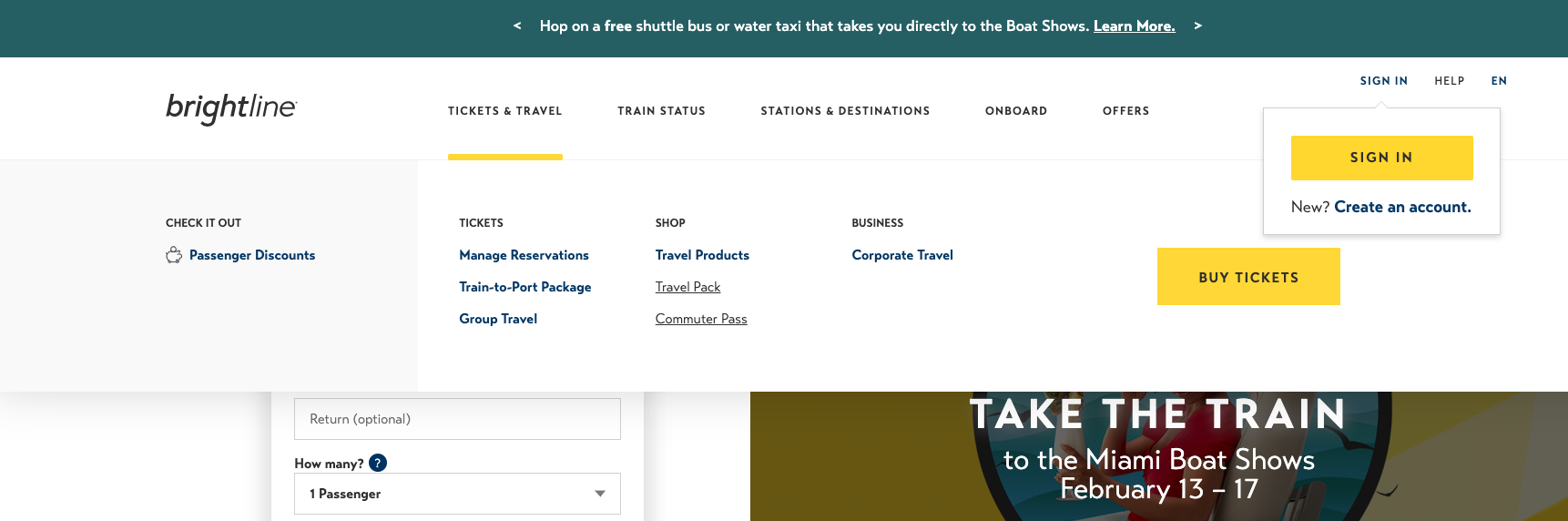
-Go to Brightline’s website: https://www.gobrightline.com/
-Navigate to the “Tickets and Travel” tab on the top menu and click “Manage Reservations”
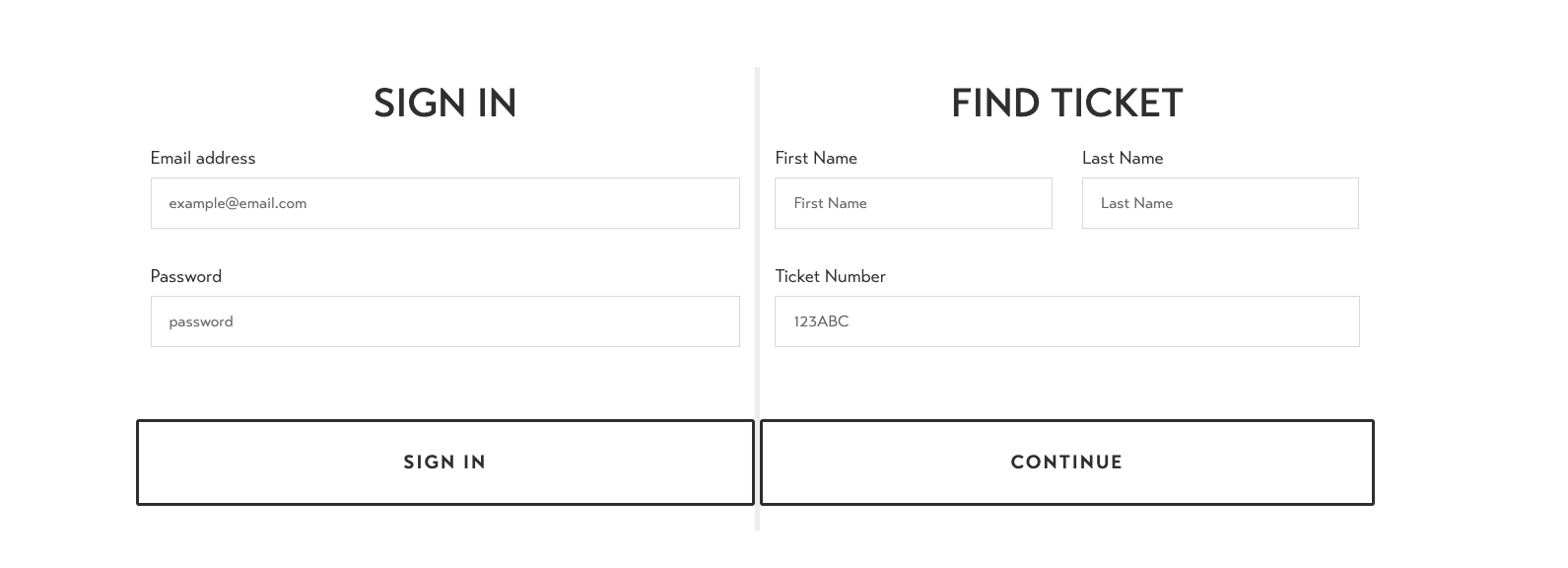
-Enter your information accordingly. If you have an account you can sign in on the left side of the page. Otherwise, input your name and your confirmation number on the right side of the page and click on Continue.
Then, you will be able to see your booking information. You can click on “Cancel” to cancel your trip or click on “Manage trip” to modify your ticket.